Pro guide
Activate Pro after checkout
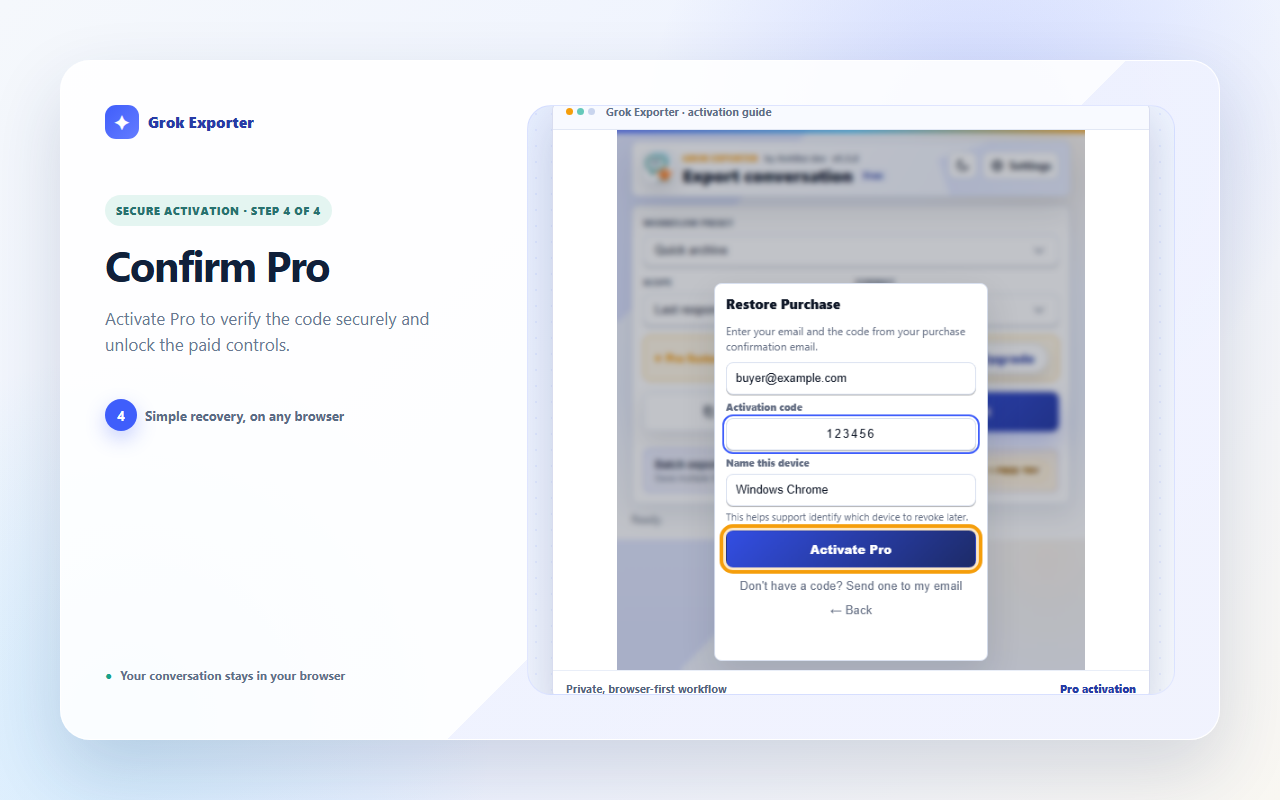
The browser you paid from normally turns Pro on by itself.
How to do it
Complete checkout in the browser where you pressed Upgrade, then reopen the extension there.
The plan badge in the popup header changes from Free to Pro and the license summary appears.
If it still shows Free, close and reopen the popup once — activation is claimed when the popup next opens.
Still stuck?
Tell support what failed
Include the step that failed, the scope and format you chose, your browser, and the extension version from the popup header. Never send your license token or card details.