Free guide
Set defaults, language, and theme
Configure it once so the popup opens on the settings you actually use.
How to do it
Open Settings from the popup and set Export defaults: workflow preset, default scope, content toggles, and filename template.
Set the PDF export and Document & appearance defaults so the export dialog opens pre-filled.
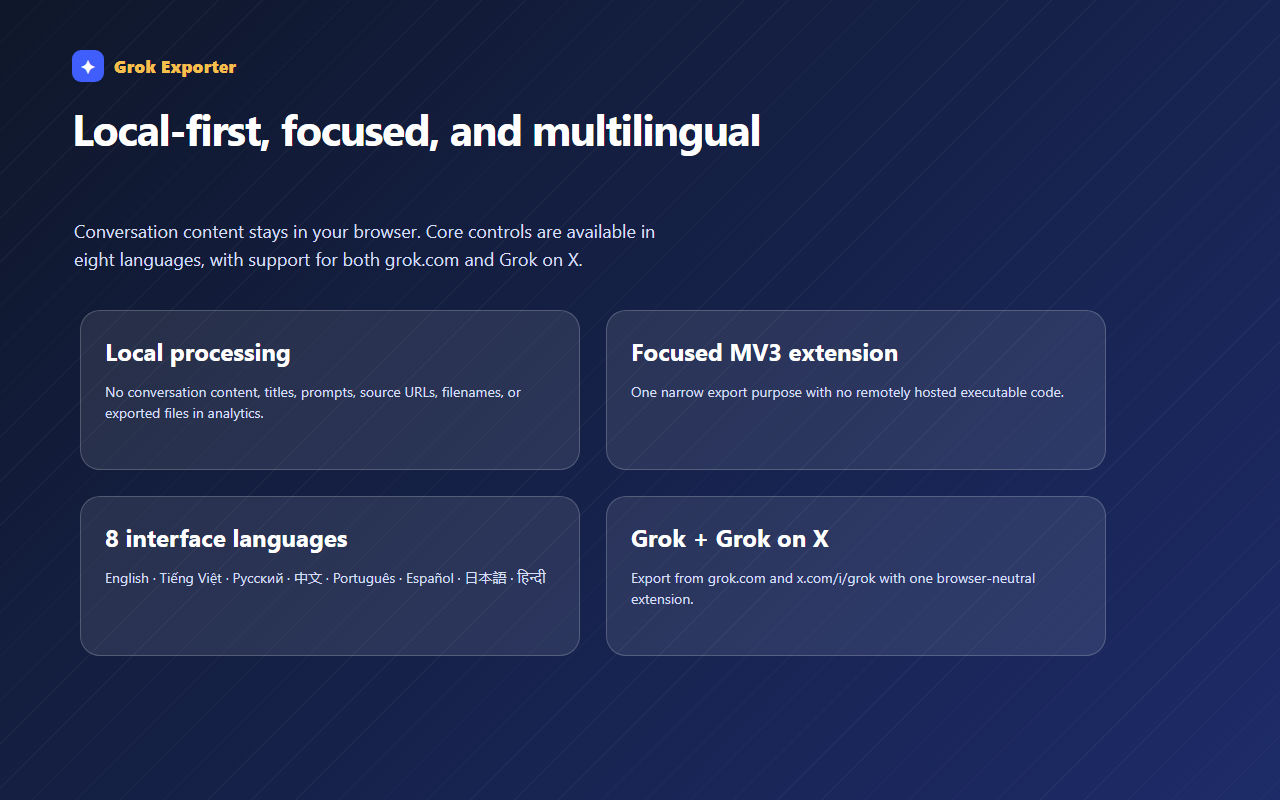
Switch UI theme from the popup toolbar or Settings. The core interface follows your browser language across 8 locales.
Still stuck?
Tell support what failed
Include the step that failed, the scope and format you chose, your browser, and the extension version from the popup header. Never send your license token or card details.