Free guide
Create your first export
Turn the conversation on screen into a PDF, Word file, or plain text in three clicks.
How to do it
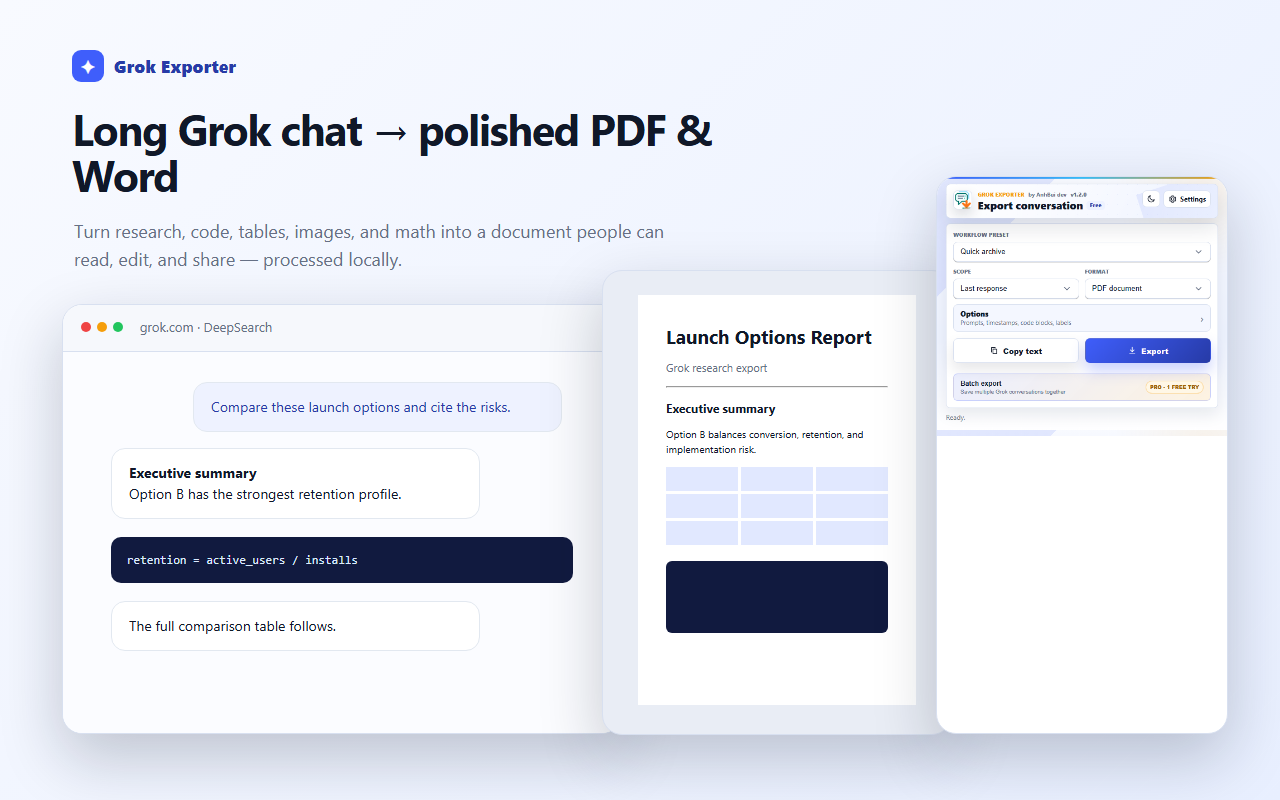
Open a conversation on grok.com or the x.com/i/grok route, then click the Grok Exporter toolbar icon.
Leave Scope on Last response and Format on PDF document for the fastest first result.
Press Export, confirm the document options, and the file is written by your browser's normal download flow.
Still stuck?
Tell support what failed
Include the step that failed, the scope and format you chose, your browser, and the extension version from the popup header. Never send your license token or card details.