Free guide
Choose the right scope
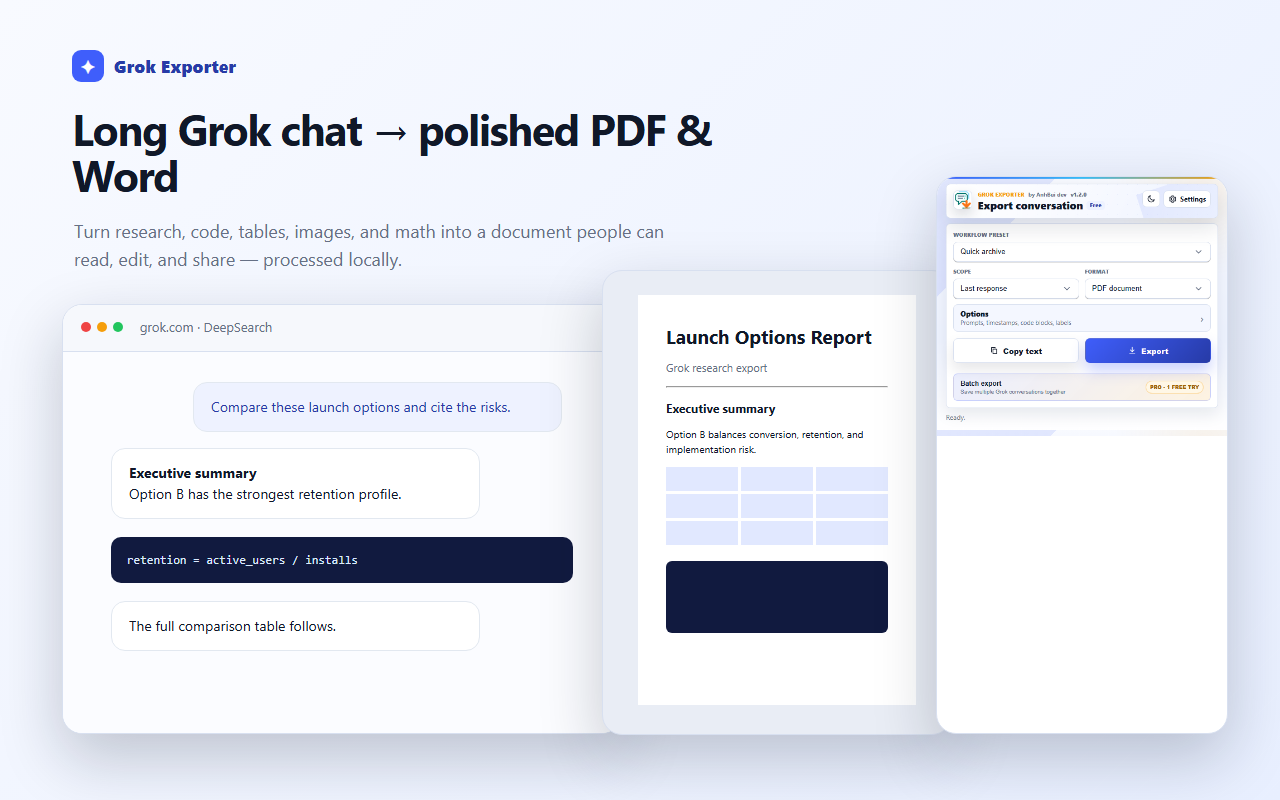
Scope decides how much of the thread is captured — one answer, the whole chat, or just what you picked.
How to do it
Last response captures only the newest answer. Use it for a single result you want to keep.
Full conversation captures the thread in order. On Free it covers threads up to 40 messages.
Selected messages on page captures only the messages you ticked. Custom range is the Pro option for an exact numbered span.
Still stuck?
Tell support what failed
Include the step that failed, the scope and format you chose, your browser, and the extension version from the popup header. Never send your license token or card details.