Pro guide
Restore Pro on another browser
One purchase, several browsers — restore uses your purchase email and a six-digit code.
How to do it
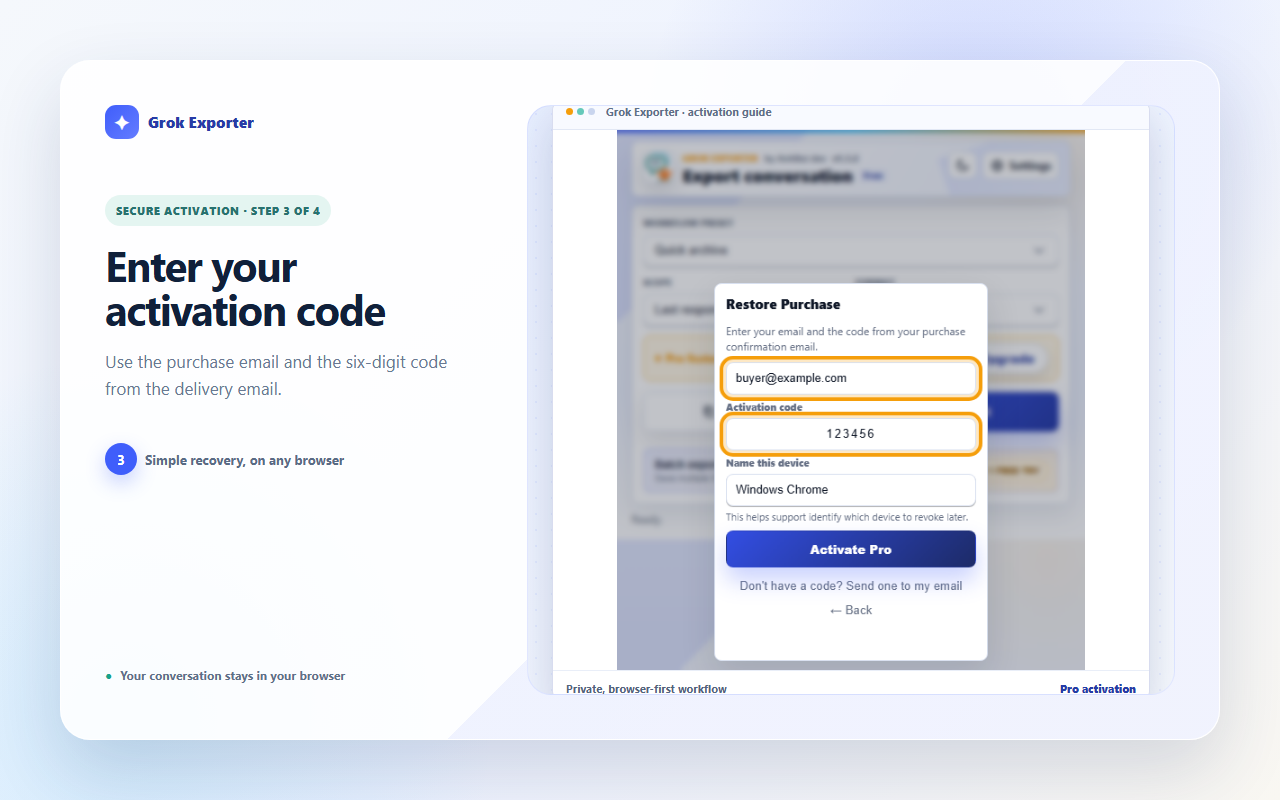
Open the popup on the new browser, choose Upgrade, then Restore Purchase.
Enter your purchase email and the six-digit code from the confirmation email. Use the send-code link if you need a fresh one.
Name the device so support can tell your machines apart, then press Activate Pro.
Still stuck?
Tell support what failed
Include the step that failed, the scope and format you chose, your browser, and the extension version from the popup header. Never send your license token or card details.