Pro guide
Export several conversations at once
Archive a whole project's worth of Grok threads in one pass instead of one file at a time.
How to do it
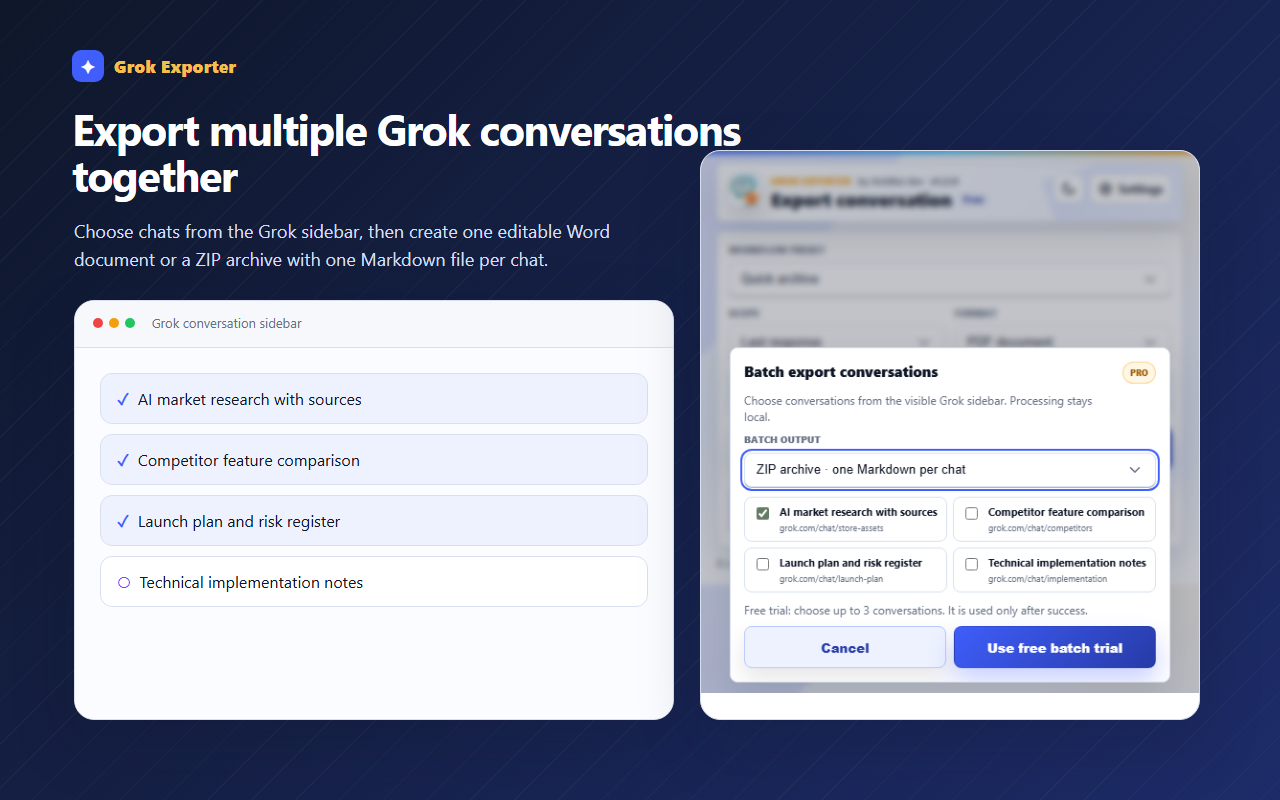
Make sure the Grok conversation sidebar is visible, then press Batch export in the popup.
Choose ZIP archive for one Markdown file per chat, or One merged Word document for a single readable file.
Tick the conversations you want and press Export batch. Processing stays on your machine.
Still stuck?
Tell support what failed
Include the step that failed, the scope and format you chose, your browser, and the extension version from the popup header. Never send your license token or card details.