Free guide
Export only the messages you picked
Skip the dead ends and keep the parts of a long thread that actually matter.
How to do it
On the Grok page, tick the checkbox beside each message you want. The checkboxes sit in their own column and never cover the text.
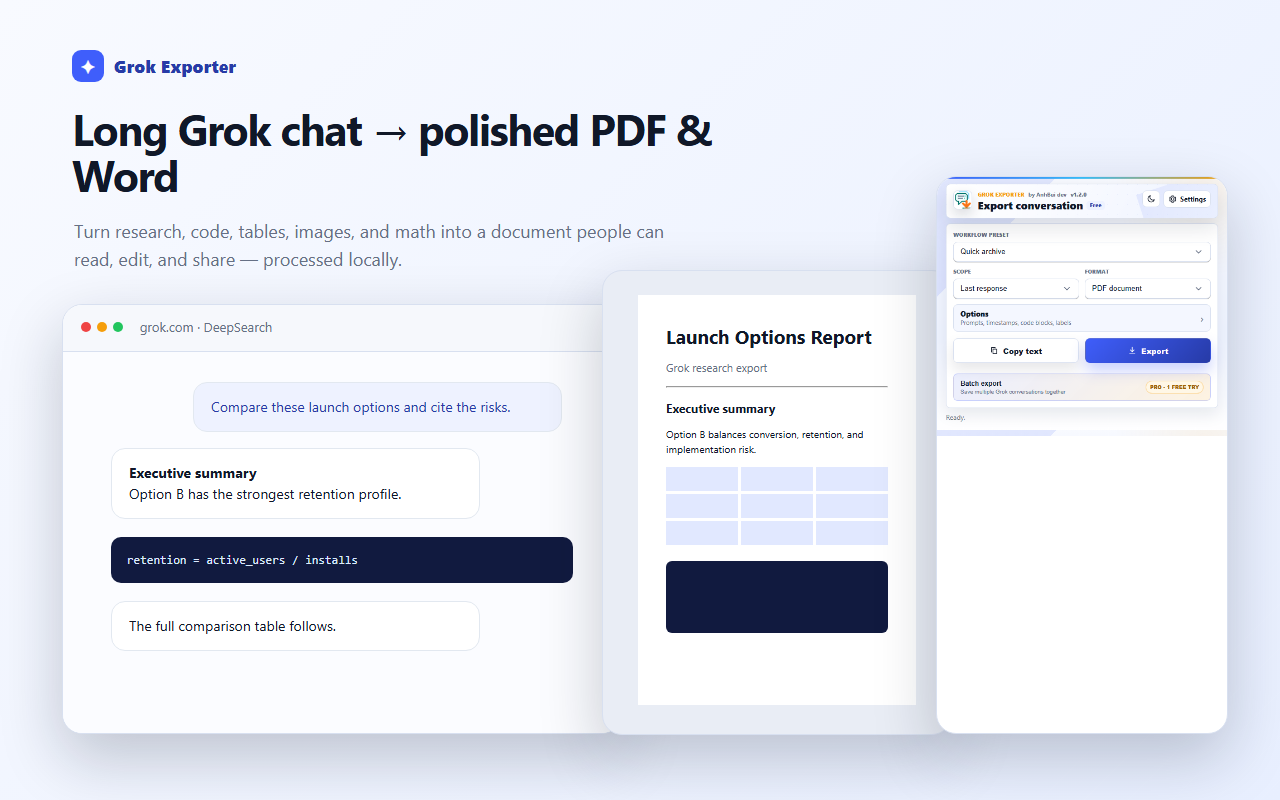
Open the popup and set Scope to Selected messages on page.
Export as usual. Only the ticked messages, in their original order, reach the file.
Still stuck?
Tell support what failed
Include the step that failed, the scope and format you chose, your browser, and the extension version from the popup header. Never send your license token or card details.