Free guide
Tune PDF and Word output
Page setup, covers, headers, and contents turn a raw transcript into a document people will read.
How to do it
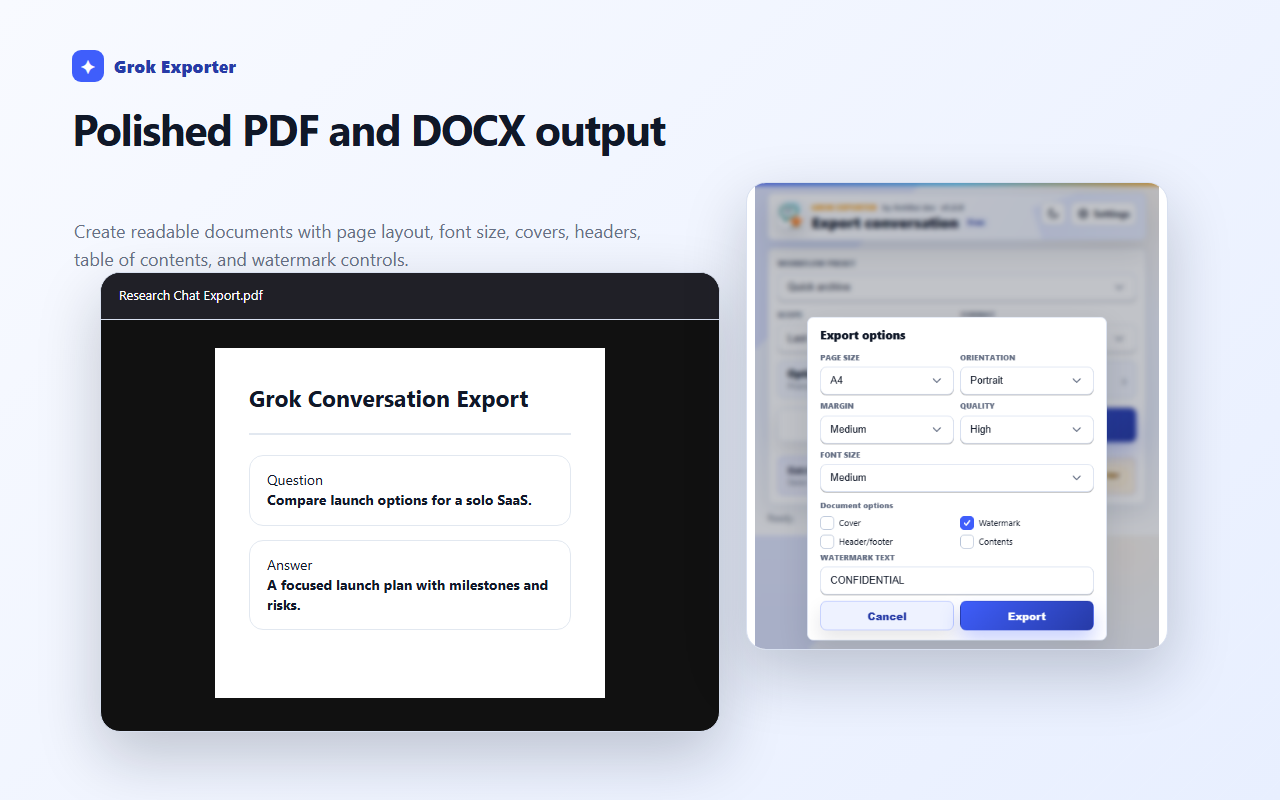
Choose PDF document or Word (.docx), press Export, and the document options dialog opens before the file is written.
Set Page size, Orientation, Margin, Quality, and Font size to suit printing or on-screen reading.
Tick Cover, Header/footer, or Contents when the file is going to someone else.
Still stuck?
Tell support what failed
Include the step that failed, the scope and format you chose, your browser, and the extension version from the popup header. Never send your license token or card details.